
A fresh way to shop for groceries
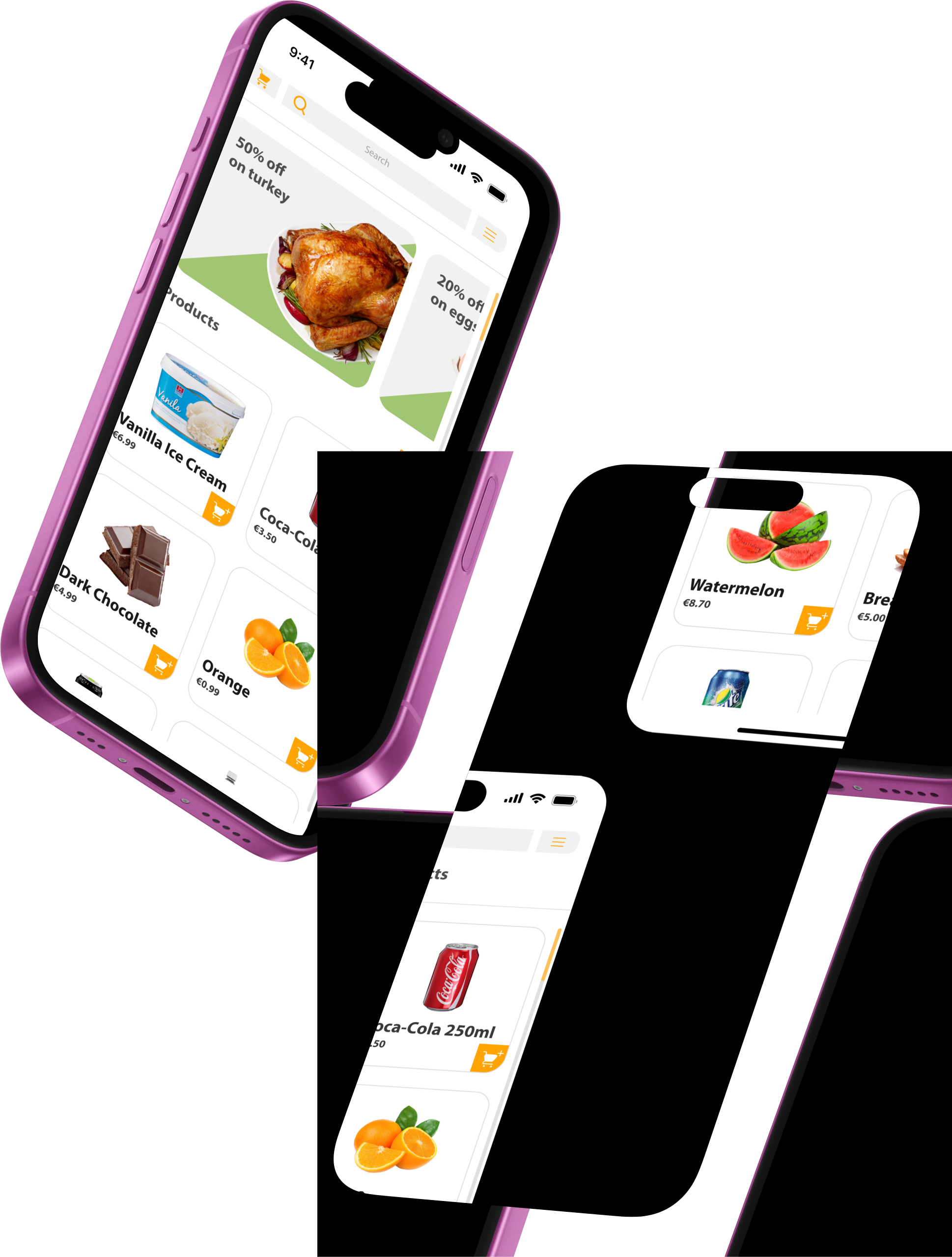
Fresh Market is a high-fidelity UI prototype for a modern grocery shopping app. Focused on usability, clarity, and visual freshness, this design project blends clean interfaces with an organic feel.
Interactive prototypes showcasing the complete user experience and refined visual design of the Grocery Store App.
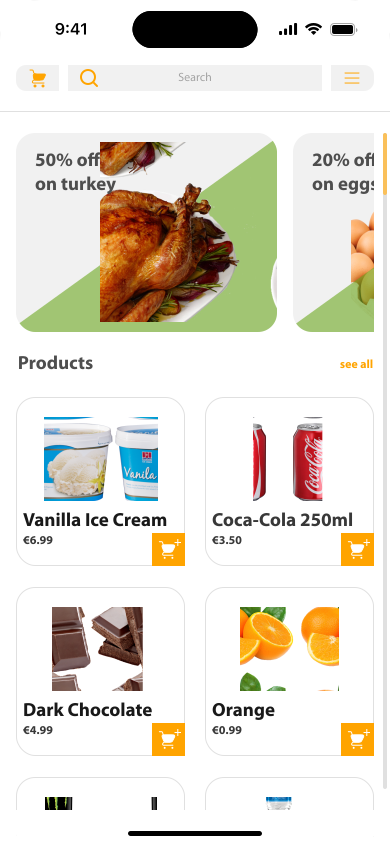
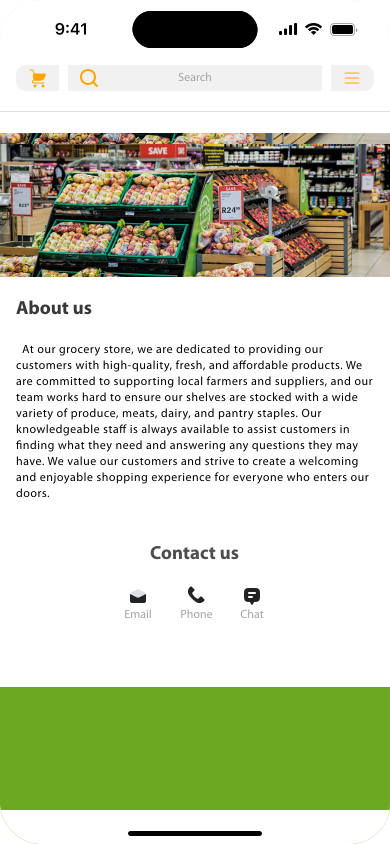
The main landing page featuring personalized product recommendations, quick access to popular categories, and an intuitive search functionality. Users can easily navigate to their favorite sections and discover new products.
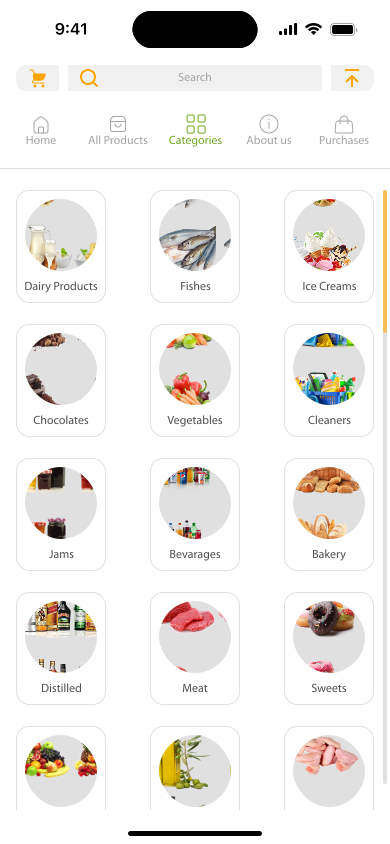
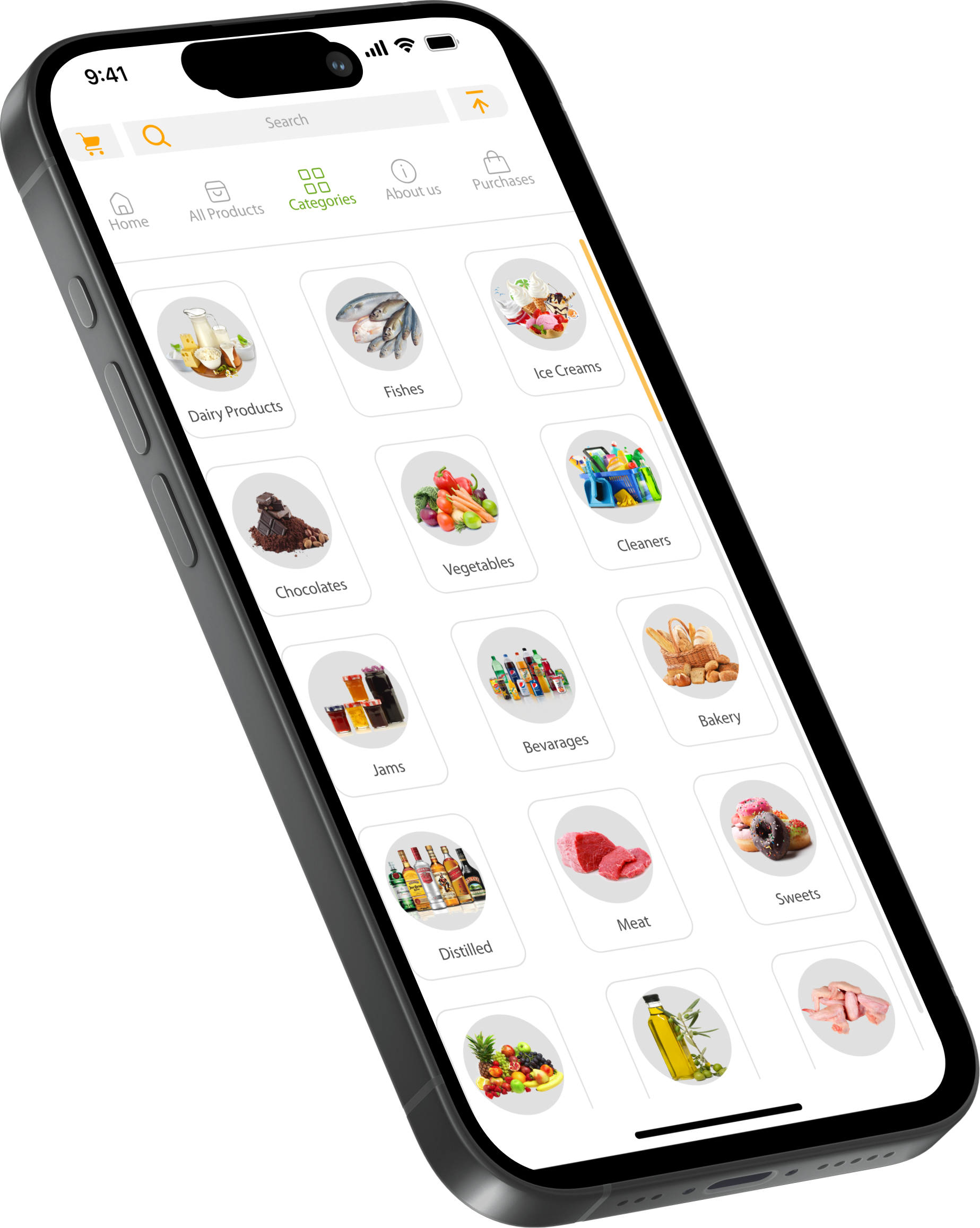
A comprehensive category browser allowing users to explore products by type. Features visual category cards with clear iconography and efficient filtering options for a streamlined shopping experience.
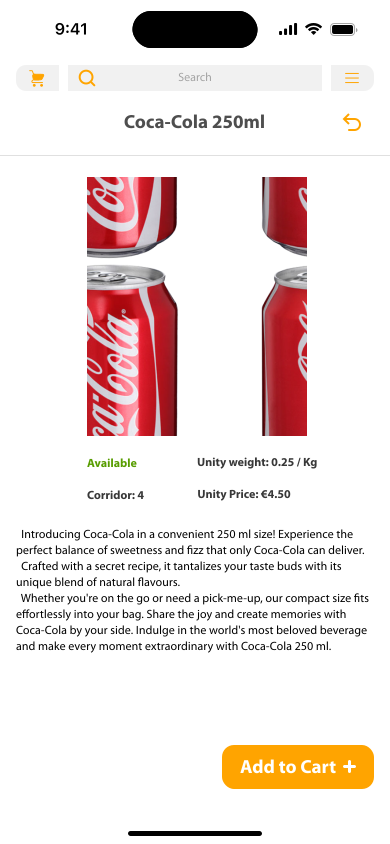
Detailed product information page with high-quality images, comprehensive descriptions, pricing, and customer reviews. Includes quantity selection and add-to-cart functionality with clear call-to-action buttons.
Shopping cart and checkout interface featuring order summary, payment options, and delivery preferences. Streamlined design ensures a quick and secure checkout process with clear cost breakdown.
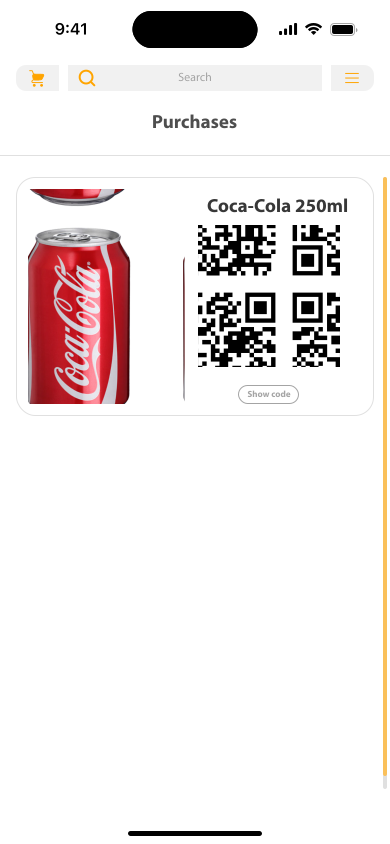
Store information hub displaying location details, operating hours, contact information, and available services. Includes map integration and store-specific promotions for enhanced user convenience.
The 60-30-10 rule creates visual balance: 60% neutral backgrounds, 30% secondary colors for structure, and 10% bold accents for highlights.
Clean, neutral backgrounds for readability
Text and structural elements
Brand colors for buttons and highlights
Regular & Bold Weights
Myriad Pro provides excellent readability and a professional appearance throughout the entire application interface.
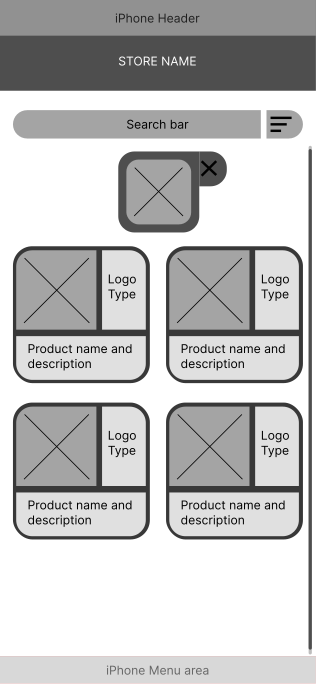
These initial sketches formed the foundation for the high-fidelity designs shown above. Through rapid low-fidelity explorations, I validated core layout structures and navigation patterns, allowing me to iterate quickly and identify the most intuitive user flows before investing time in detailed visual design.
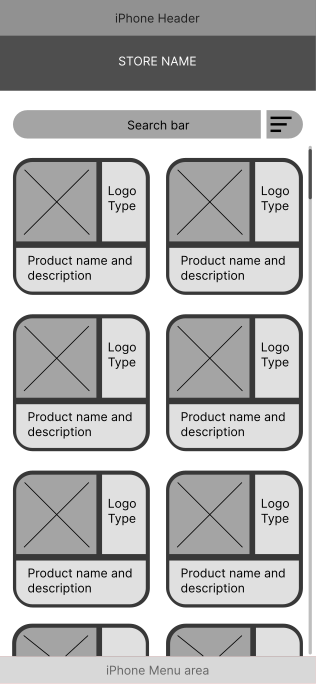
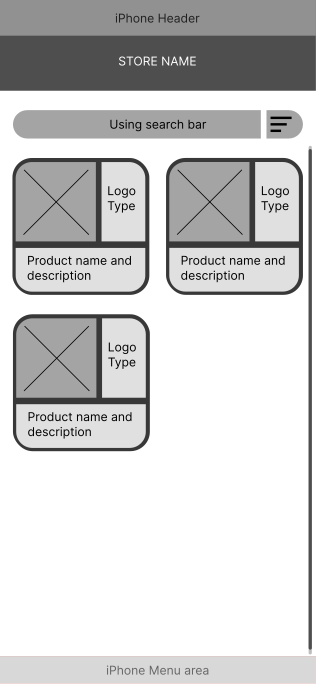
Explore the full user flow through our interactive prototype
Click and interact with the live prototype above
Watch the complete user journey from browsing to checkout in under 2 minutes.
Swipe through featured products and categories
Smart search with category filtering
One-tap adding with quantity controls
Streamlined payment process
Thanks for scrolling! This was a personal prototype project focused on UI design and aesthetic coherence for the food tech space.
Want to collaborate on fresh ideas?
Let's Connect